 Baby Monitor
Watch them sleep from the next room.
Peek in without opening the door. Your old Android phone or tablet keeps watch by the crib, your own phone stays with you, and the picture and sound go straight from one to the other. No new hardware, no account, no subscription, no cloud.
 Free. Android 7.0 or newer, on both devices.
Baby Monitor is not a medical device and doesn't replace adult supervision. Connections and alerts can fail. Test it at home before you rely on it.
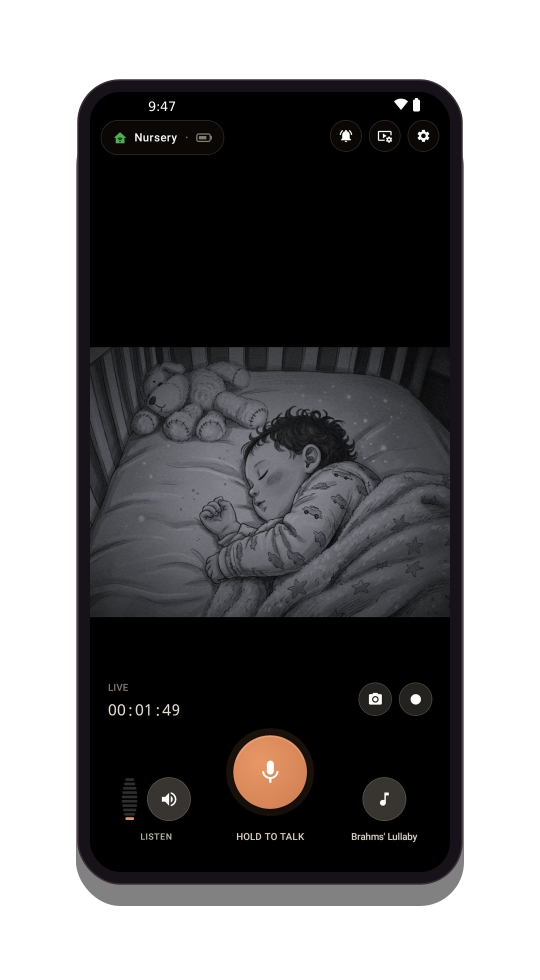
One phone by the crib, one with you
Set the old phone down where it can see the crib. Then take your own to the sofa, the kitchen or your bed: what the nursery sees and hears comes straight to you over your home Wi-Fi.
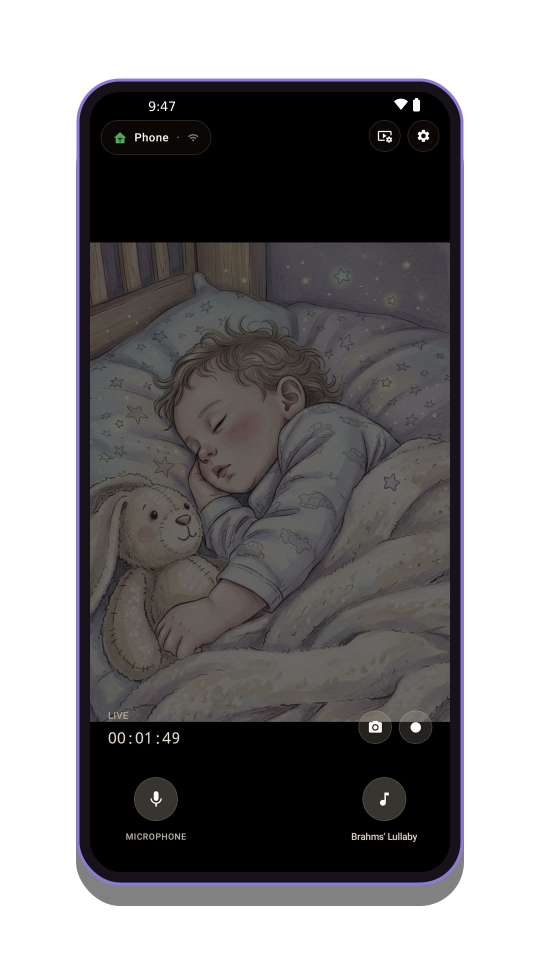 Cameranear the crib
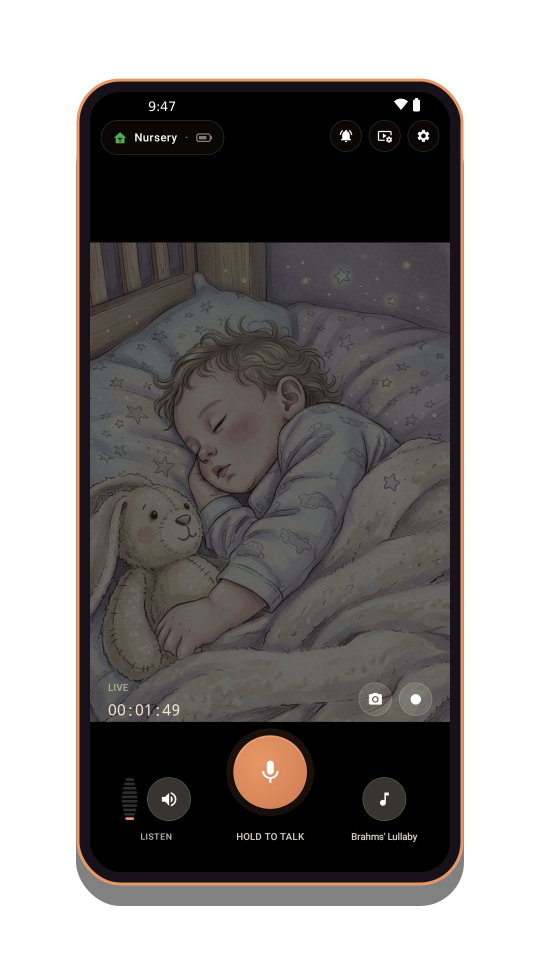 Viewerwith you
Just you and your baby
Nobody else looks in. No account, no cloud, and nothing sold:
- No accountNothing to sign up for.
- End-to-end encryptedVideo and sound go only between your two devices, never through or onto our servers.
- Nothing stored onlineNo cloud recording. Snapshots and recordings you make go to your own gallery.
The details: privacy policy.
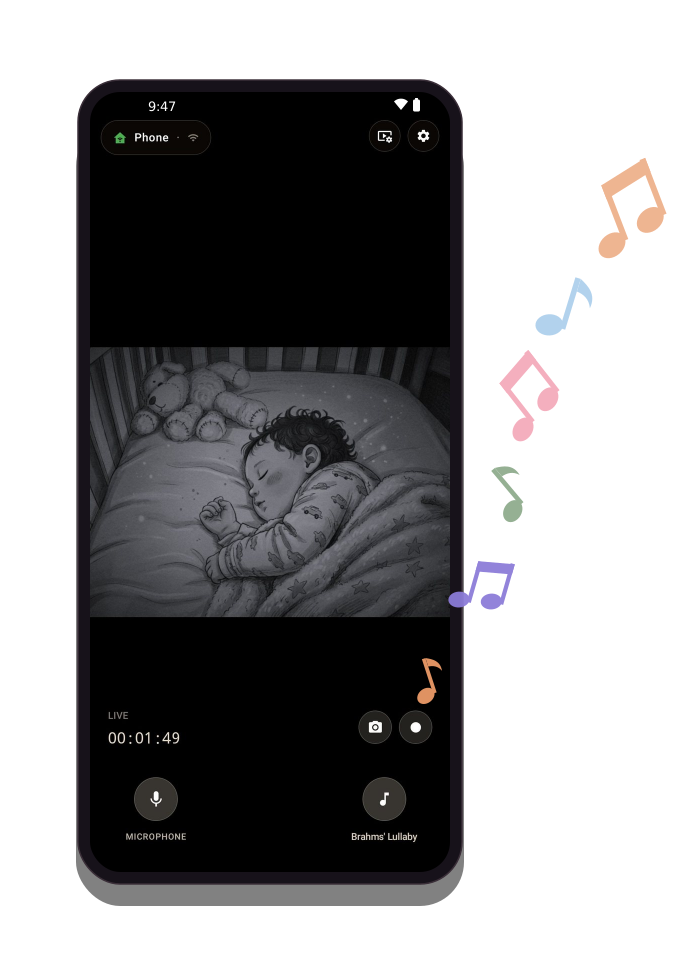
Sing them back to sleep
The old phone in the nursery plays a lullaby in the room, and your phone shows which one. Three come with the app, ready to play:
- Brahms' Lullaby
- Hush Little Baby
- Twinkle Twinkle Little Star
Or add the songs they already know: on the camera phone, under Settings → Music Library, add a single file or a whole folder. Most audio files will do, such as MP3, M4A, OGG, FLAC or WAV.
And when only your voice will do: hold Hold to talk on your phone, and you're heard through the camera phone in the room, without getting up.
Ready before bedtime
A few minutes, once, and after that it's there every night. Both devices need to be on the same home Wi-Fi.
-
Put both devices on your home Wi-Fi
The same network for both. A guest network often keeps devices apart, so use your main one.
-
On the old phone
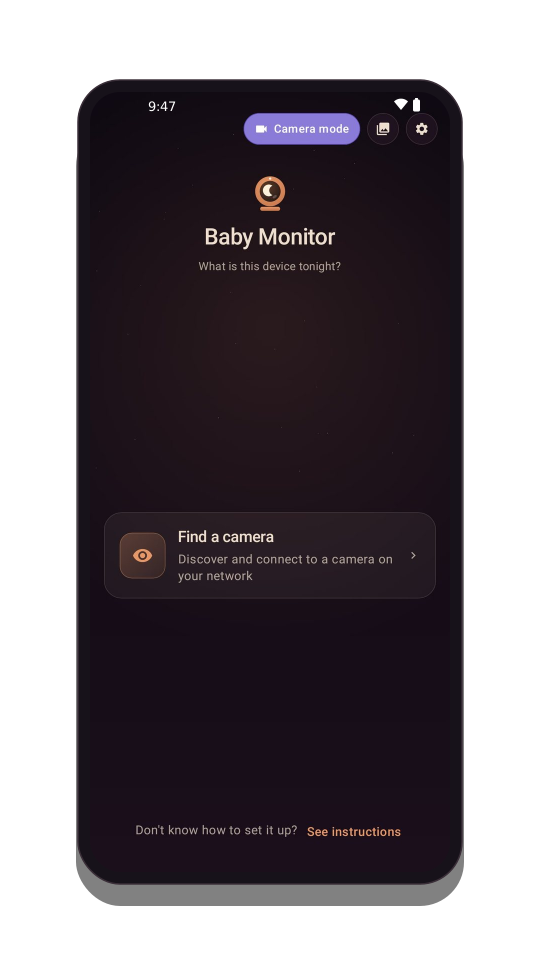
Tap Camera mode
Stand or prop it so it can see the crib, and plug it in: streaming drains a battery fast. Then lock it: the screen goes dark, so it won't light up the nursery, and the camera and microphone keep working.
-
On your phone
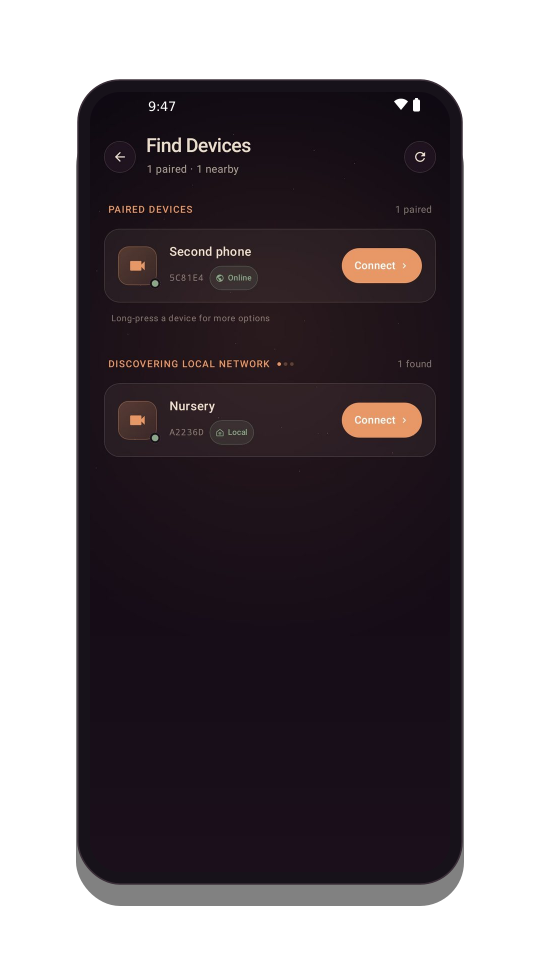
Tap Find a camera
After a few seconds your camera appears in the list. Tap it to connect.
-
On both
Check the code
The first time you pair, a short code appears on both screens. If they match, it's really your camera. That's it.
Through the night
- See and hear themLive video and sound from the nursery
- In a dim roomNight view brightens what the camera can see
- A nudge when they cry or moveCry, noise and motion alerts on your phone
- Carry on with your eveningPicture-in-picture while you use your phone
- Both parents watchingSeveral viewers at once
- If the Wi-Fi dropsIt reconnects on its own and shows you it's trying; if it can't, it tells you
See everything it doesShow less
- Calmer late hoursQuiet hours pause motion alerts; sound alerts stay on
- Keep the little momentsSnapshots and recordings in your own gallery
- Easy on the old phoneLow-power waiting until you look in, and its battery on your screen
What you need
- Two Android phones or tablets*Android 7.0 or newer, so an older phone will do as the camera
- Wi-Fi at homeBoth devices on the same network
- A charger near the cribSo the camera phone can stay plugged in all night
* Some phone makers stop apps at night to save battery. The app shows the fix for your phone, and so does the help page.
Why I made it
I wanted a baby monitor for my own baby: one I could set up in minutes, on my home Wi-Fi, with no one else having access to any of it. I tried several apps, and each one seemed to miss something: a night view that copes with a dark room, my own lullabies, alerts, staying on for days on end, or not draining the battery unnecessarily. So over the years I built, and used, the one I was looking for. Perhaps it's the one for you as well.
— Ylon